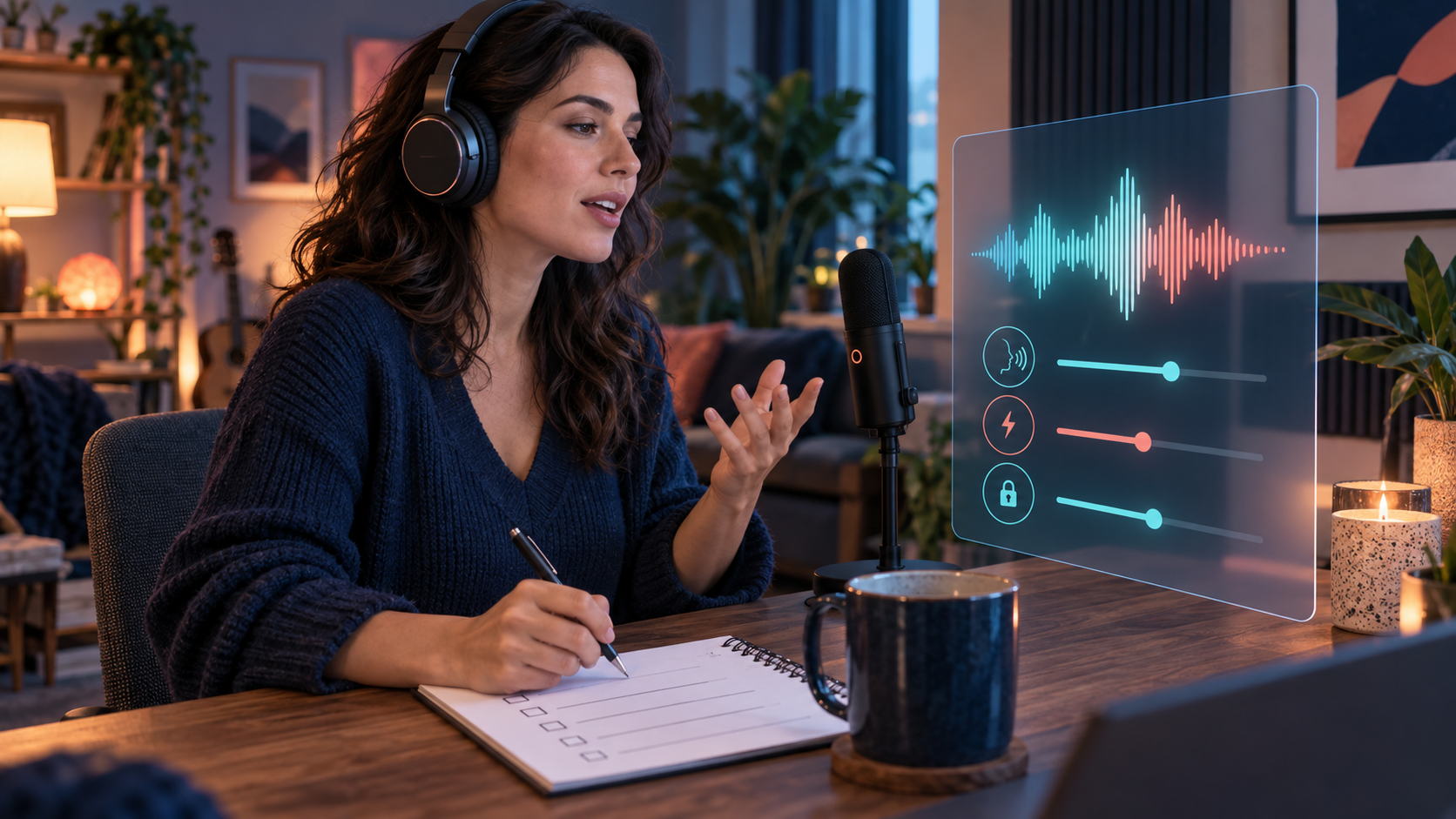
This page owns one question: how to minimize and audit device microphone permissions. Keeping that intent narrow matters because “voice” can mean a short generated clip, an asynchronous note, a live call, microphone input, speaker output or a privacy setting. Start by naming the exact mode in front of you.
The practical focus is to grant microphone access only when needed and review it at device level. That keeps a compelling demo from deciding the whole comparison. A useful evaluation records what happened, under which conditions, and what remains unknown rather than turning a first impression into a universal claim.
Use a calm, repeatable method: check operating-system permission, browser permission and in-app setting independently. Avoid intimate prompts during evaluation. A short neutral script, a known network and a dated account tier produce safer notes and make differences easier to explain without storing sensitive audio.
The source set for this guide covers recording awareness, account security, deletion and connected-device controls; stated collection, processing, sharing, retention and rights terms. Vendor pages establish current product claims and terms; independent and public-interest sources provide comparison or risk context. None of them prove a result for your account, device or location without a current check.
Watch for the central failure mode on this topic: closing a tab does not necessarily revoke a stored permission. Synthetic speech can sound natural, warm or responsive without being a person. Describe audible behavior precisely—timing, clarity, replay, limits and controls—without assigning feelings, awareness or professional competence.
Privacy belongs inside the test, not after it. Check when the microphone is active, whether audio or transcripts may be stored, which account controls exist, how connected devices behave and whether a text alternative lets you avoid speaking. Do not record bystanders or submit a real person’s voice for imitation.
A result is useful only when its boundary is visible. Separate a vendor statement from your own observation, label the observation date, state the device and plan, and avoid words such as always, guaranteed or completely private. If evidence conflicts, publish the conflict or leave the score open.
Finish with a next action that matches the finding. That may mean adjusting a permission, choosing headphones, using text instead, checking a current plan, asking for a deletion route, or rejecting a service that lacks a required control. A sponsored destination should never override a privacy or consent concern.
Reviewed September 26, 2026. Voice features, beta labels, limits and policies can change. Use the linked sources as a starting point and verify the current interface before relying on a procedural claim.
Six steps before a conclusion
Define the decision in one sentence: minimize and audit device microphone permissions.
Use this evaluation focus: grant microphone access only when needed and review it at device level.
Follow the evidence method: check operating-system permission, browser permission and in-app setting independently.
Record the service, voice mode, device, account tier, date and any limit that shaped the result.
Mark every missing or unverified claim as unknown instead of filling the gap with an assumption.
Recheck the linked source before acting on availability, price, privacy, deletion or safety information.
Evidence used on this page
- FTC voice-assistant privacy guidance
recording awareness, account security, deletion and connected-device controls
government consumer guidance · checked September 26, 2026 - Candy AI privacy notice
stated collection, processing, sharing, retention and rights terms
vendor privacy notice · checked September 26, 2026